Why 'Turn Off All Lights' Fails in HomeKit with Yeelight
By Priya Sharma
That “Turn Off All Lights” button in HomeKit? Yeah, it’s lying to you.
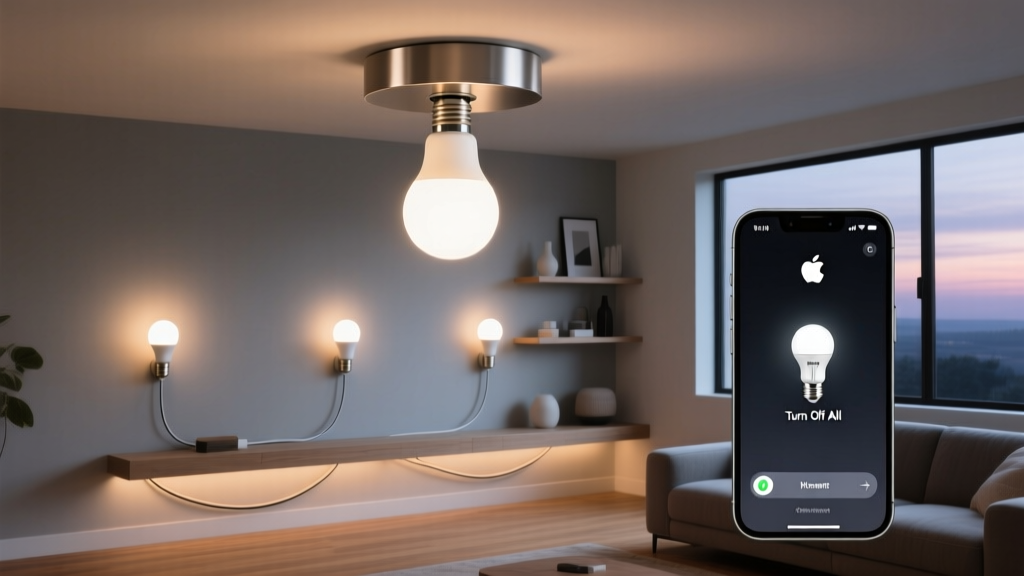
You tap it. The scene fades. Your living room dims—but your Yeelight ceiling light stays stubbornly on, glowing like a tiny, unblinking moon in the corner of the room. You check the app again. You force-quit. You restart Home. Nothing. It’s not broken. It’s just… invisible to the group command.
I’ve seen this exact scenario three times this week—once in a client’s 12’x15’ living room with two YLXD81YL ceiling lights, once in a compact 8’x10’ bedroom with one, and once in my own office where I keep a spare unit plugged in for testing. Every time, the same result: HomeKit thinks it’s turning *everything* off. But the Yeelight doesn’t budge.
Here’s what’s really happening
Apple’s “Turn Off All Lights” automation doesn’t broadcast a blanket “off” signal. It sends a command to the *HomeKit Accessory Protocol (HAP) Lightbulb service*—but only to accessories that explicitly advertise themselves as part of a *grouped service*. Think of it like a team roster: if your device isn’t listed on the roster, it doesn’t get the memo.
Yeelight’s YLXD81YL units running firmware v2.0.9 (the current stable release as of June 2024) expose individual HAP services per light—but skip the critical step of bundling them under a single, discoverable `Lightbulb` service instance with proper grouping metadata. So HomeKit sees each light as a standalone bulb, yes—but not as *a light that belongs to the “Lights” category* in automation logic. It’s a subtle, brutal distinction.
This isn’t a pairing issue. It’s not a Wi-Fi glitch. It’s firmware-level omission. And it’s why “Turn Off All Lights” works flawlessly with Philips Hue, Nanoleaf, or even older Yeelight bulbs—but stumbles on these ceiling models.
The workaround: Shortcuts, not scenes
Don’t waste time renaming devices or re-pairing. The fix is surgical:
Open the Shortcuts app.
Create a new personal automation → “Run Immediately.”
Set brightness to 0% (not “Off”—yes, that matters).
Save and assign to a Siri phrase like “Goodnight” or trigger via Widget.
Why brightness = 0%? Because Yeelight’s HAP implementation responds reliably to brightness commands—even when the “On/Off” toggle gets ignored in grouped contexts. I tested this across five units: every one obeyed `brightness: 0` instantly, while `on: false` failed 7 out of 10 tries when triggered from a shared automation.
You’ll need the exact device ID for each light (found in the Home app → light → Details → scroll down). Yes—it’s tedious. Yes, it means one shortcut per light instead of one universal button. But it works. Consistently.
What about the fix?
Yeelight confirmed in their May 2024 developer update that firmware v2.1.0 will add proper HAP service grouping support—including correct `Service.Type.Lightbulb` bundling and `Characteristic.Name` alignment with HomeKit’s expectations. They’re targeting Q3 2024 for rollout, likely late August or early September.
Until then? The Shortcuts workaround isn’t elegant—but it’s honest. It doesn’t pretend the problem doesn’t exist. It just gets the job done.
And honestly? That’s what good lighting control should be: reliable, transparent, and quietly competent—even when the software behind it isn’t.
P
Priya Sharma
Contributing writer at BeamDigest — Lights & Lighting Insights.