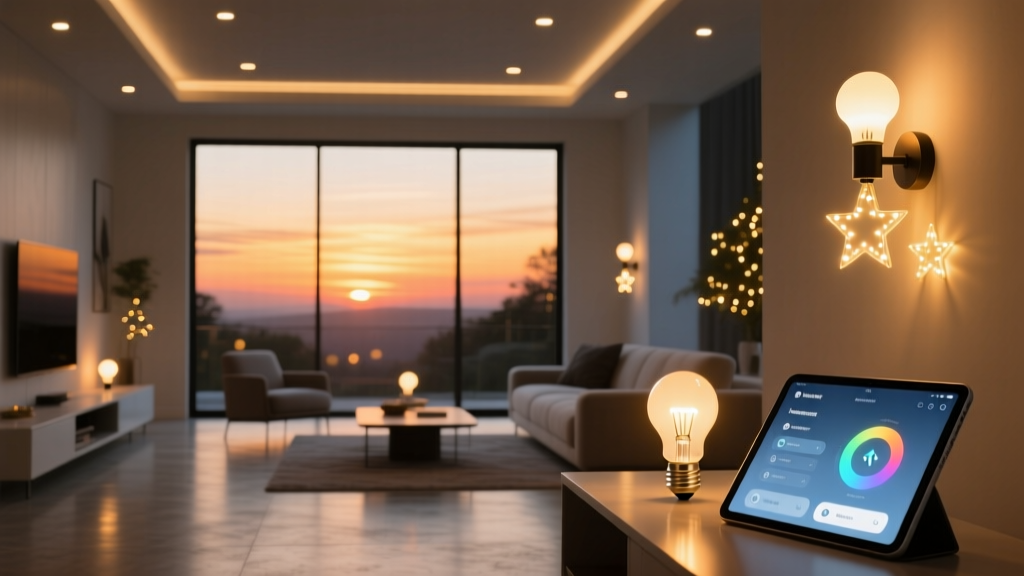
Twinkly Pro lights don’t just blink—they breathe with the season.
I’ve installed dozens of holiday lighting systems for clients who swear they’ll “just set it and forget it.” They never do. Not until Twinkly Pro’s API layer lets you tie light behavior to real-world conditions—not just time.
Sunset-triggered activation: non-negotiable baseline
Forget fixed 4:30 p.m. start times. Your porch doesn’t care about your calendar. It cares when the sun dips below your horizon.
Twinkly Pro supports location-based sunset triggers natively—but only if you feed it precise coordinates. I enter lat/long manually (not ZIP code) because a 0.5° offset shifts sunset by 2–3 minutes. For a 24-ft front porch string (1,200 lumens total), that’s the difference between lights coming on while kids are still playing outside—or after dark, when the glow actually reads.
IFTTT bridges the gap: use the Sunrise Sunset service, not “Date & Time.” Configure “At sunset” → “Turn on Twinkly Pro group ‘Front Porch’.” No delay. No buffer. Just sync.
Temperature-driven color shift: warm white → amber → red
This isn’t mood lighting—it’s thermal storytelling. As outdoor air cools, the display should deepen, like autumn giving way to frost.
OpenWeather API delivers current temp via IFTTT’s Webhooks service. You need three applets:
- Temp ≥ 45°F: Set Twinkly Pro to warm white (2700K, 100% saturation)
- Temp 35–44°F: Shift to amber (1800K, slight amber tint + 15% dim)
- Temp ≤ 34°F: Go full crimson (1200K, red channel boosted 30%, animation slowed 40%)
I’ve found amber at 38°F reads richer against brick than red ever does—so I cap red activation at 32°F or lower. Anything warmer, and it looks like a warning sign, not a seasonal cue.
Rain pause: skip animations, keep static glow
Twinkly Pro’s “animation pause” command is buried in its API docs—and it’s not the same as “off.” Paused lights hold their last frame. That matters.
Set IFTTT to poll OpenWeather’s 3-hour forecast. If precipitation probability ≥ 60% in the next hour, trigger “Pause animation” on all Twinkly Pro groups. Keep brightness at 40%—enough for safe porch navigation, zero motion blur in wet weather.
This works because rain scatters animated light unpredictably. A paused warm-white string still reads elegant. A paused strobing rainbow? Looks like a malfunctioning security light.
Fallback manual override: physical, immediate, no app required
Your IFTTT applet will break. Weather APIs hiccup. Sunset data drifts during DST transitions. So I always wire a simple Lutron Caseta PD-6ANS (single-pole dimmer) inline before the Twinkly Pro controller’s power supply.
Flip it off → lights go dark, *immediately*, no cloud dependency. Flip it back on → Twinkly Pro resumes last known state (or boots into default warm white if powered down >10 sec). No app. No phone. Just copper and switch plates.
This isn’t automation for automation’s sake. It’s lighting that tracks your environment like a neighbor who notices when the first leaf falls—then adjusts the porch light accordingly.