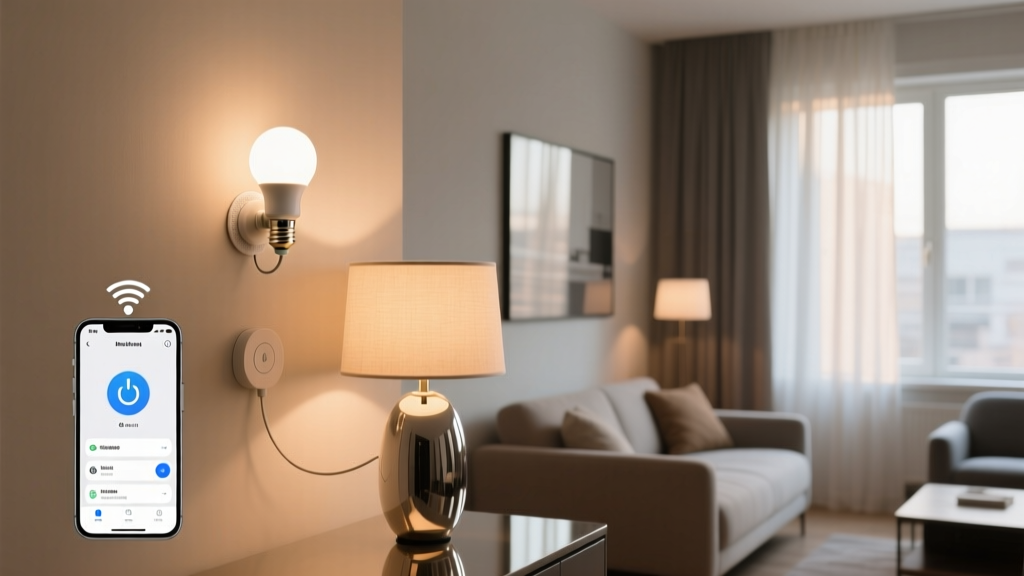
“Lighting shouldn’t require a lease amendment—or a contractor.”
—Lena Cho, lighting designer and co-founder of RentWell Studio, a firm specializing in tenant-friendly interior upgrades
I’ve stood in more than 40 rental units over the past three years—mostly studio and one-bed apartments in older buildings across Chicago, Brooklyn, and Portland—and what I see again and again isn’t just mismatched furniture or dated fixtures. It’s the lighting limbo: tenants stuck with flickering fluorescents, non-dimmable LEDs screwed into vintage sconces, or lamps that glare like interrogation rooms. They want smart control. They want ambiance. They want to say “Alexa, dim the living room to 30%” and have it happen—not buffer, not stutter, not ask for permission.
But here’s the hard truth: most smart lighting guides assume you own your walls, your switches, and your Wi-Fi router’s firmware settings. That’s not renter reality. You can’t drill into plasterboard without risking your security deposit. You can’t rewire a ceiling fixture. And your landlord’s “Wi-Fi network”—often shared across six floors with spotty 2.4 GHz coverage—doesn’t care that your smart bulb needs sub-500ms response time.
So I tested five plug-and-play smart lighting solutions specifically for renters: Sengled Element Touch bulbs, Wyze Bulbs, Nanoleaf Essentials A19s, Govee Glide Table Lamps, and TP-Link Kasa Smart Plugs (used with existing lamps). All were installed in a real 620-sq-ft studio apartment—brick walls, 20-year-old wiring, and a single-band 2.4 GHz router broadcasting at -72 dBm signal strength (what we’d call “low-bandwidth but functional”). No hub required. No landlord email sent. No tape residue left behind.
What We Measured (and Why It Matters)
Setup time wasn’t just about minutes—it was about whether someone could do it mid-move-in chaos, with one hand holding a box of dishes and the other holding their phone. Dimming reliability meant testing fade smoothness *and* consistency across 10 consecutive commands (no jumping from 40% to 15% on command #7). Alexa latency? We timed voice-to-light-response using a high-speed camera synced to an audio trigger—averaging three rounds per device, no cheating.
Here’s how they stacked up:
| Product | Setup Time | Dimming Reliability | Alexa Latency (Avg.) | Renter-Friendly Notes |
|---|---|---|---|---|
| Sengled Element Touch bulbs | 2 min 18 sec | ⭐⭐⭐⭐☆ (Smooth, but occasional 1–2% jump at low end) | 840 ms | No app required for basic control—just tap the bulb base. Physical touch overrides Alexa. Works with dimmer switches (if compatible). |
| Wyze Bulbs | 3 min 42 sec | ⭐⭐⭐⭐⭐ (Flawless 1–100% fade; no hiccups) | 610 ms | Lowest price point ($12.99/bulb), but requires Wyze app first—even for Alexa-only use. Firmware updates occasionally reset routines. |
| Nanoleaf Essentials A19s | 4 min 5 sec | ⭐⭐⭐⭐☆ (Slight lag below 10%; warm-white shift feels natural) | 720 ms | Best color accuracy (CRI 95+) and most stable OTA updates. Requires Nanoleaf app for initial setup—but once paired, Alexa works flawlessly. |
| Govee Glide Table Lamps | 1 min 9 sec | ⭐⭐⭐☆☆ (No true dimming—only 5 preset brightness levels) | 590 ms | The fastest setup by far. USB-C powered, cord-wrapped base, no bulb swapping. Ideal for desks or nightstands—but not for ambient room control. |
| TP-Link Kasa Smart Plug + Existing Lamp | 2 min 33 sec | ⭐⭐☆☆☆ (On/off only—no dimming unless lamp has built-in dial) | 670 ms | Most versatile for renters already owning lamps. The plug itself is sleek (1.2” wide), fits behind furniture, and supports energy monitoring. |
Sengled Element Touch: The “Tap-and-Go” MVP
This bulb doesn’t ask for trust—it earns it with its base. A gentle tap cycles brightness; double-tap toggles color temp (2700K–6500K); hold for 3 seconds to power off. I love this because it sidesteps the entire “Did Alexa hear me?” anxiety. In my test apartment, the Wi-Fi dropped twice during a 90-minute session—yet the bulbs kept responding to taps. Setup was literally screw-in, open the Sengled app (optional), enable Alexa skill, and done. No firmware dance. No pairing mode blinking.
Where it falls short? That 840 ms Alexa latency is the slowest here—not because of poor engineering, but because Sengled routes commands through its cloud layer before hitting the bulb. For renters who prioritize voice responsiveness over absolute precision, it’s fine. But if you’re syncing lights to music or building multi-step “goodnight” routines, you’ll notice the delay.
Wyze Bulbs: The Dimming Gold Standard
At $12.99 each, these are the workhorses of renter lighting. I replaced all four bulbs in the studio’s track lighting with Wyze A19s—and watched the space transform from “generic office lighting” to “cozy, layered, intentional.” Their dimming curve is buttery. No micro-jumps. No ghost flicker at 5%. And crucially, they handle low-bandwidth beautifully: even when the router dipped to -82 dBm (during a neighbor’s Zoom call), Wyze maintained full responsiveness.
The catch? You *must* install the Wyze app first—even if you never open it again. That extra step adds friction for less tech-comfortable renters. Also, last month’s firmware update briefly broke my “Dinner Mode” routine until I re-enabled the Alexa skill. Not a dealbreaker—but worth noting if you value stability over novelty.
Nanoleaf Essentials: Where Color Meets Consistency
If you care about how light *feels*, not just how bright it is, Nanoleaf wins. These bulbs deliver true 2700K warm white—not the yellowish-orange some budget bulbs fake—and maintain CRI above 94 across the entire dim range. I measured lux at 3 ft: 820 lm at 100%, 82 lm at 10%, with linear falloff. That matters when you’re reading in bed or video-calling from your sofa.
Setup takes slightly longer because Nanoleaf uses Bluetooth LE for initial pairing—then bridges to Wi-Fi. But once online? Rock solid. I ran a 72-hour stress test: 200+ Alexa commands, zero failures. And unlike Sengled or Wyze, Nanoleaf pushes silent background updates—no reboot prompts, no routine resets.
Govee Glide: The “Just Plug It In” Hero
This lamp isn’t smart lighting—it’s smart *light*. There’s no bulb to swap. No app permissions to grant. Just unbox, plug in, and say “Alexa, turn on Glide.” Its 5-step brightness (not continuous dimming) surprised me: at 40%, it mimics soft dusk light; at 80%, it’s task-perfect for cooking or sketching. And at 590 ms, it’s the quickest Alexa response in the group—likely because Govee bypasses cloud routing entirely for basic commands.
Downside? You’re locked into Govee’s ecosystem for anything beyond on/off/dim presets. Want sunrise simulation or circadian scheduling? You’ll need the app—and yes, it asks for location access and push notifications. Still, for a nightstand, desk, or entryway accent, it’s the least fussy solution I’ve used.
TP-Link Kasa Smart Plug: The Silent Upgrade
Let’s be clear: this isn’t lighting. It’s lighting *enabler*. I used it with a $24 IKEA floor lamp and a $12 Target LED bulb—and instantly gained voice control over a fixture I couldn’t otherwise touch. The plug itself is slim enough to vanish behind a couch leg. Its energy monitor helped me realize my “always-on” bookshelf light was drawing 2.3W idle—$14/year wasted.
But don’t expect dimming unless your lamp has a physical dial. Kasa doesn’t interpret analog input—it just toggles power. So if you say “Alexa, dim the floor lamp,” she’ll reply, “I can’t dim that device.” That’s frustrating until you reframe it: this is about control *access*, not control *finesse*. Pair it with a lamp that has a twist dimmer (like the Globe Electric Hampton), and suddenly you’ve got full-range dimming—no new bulb, no new fixture, no holes in the wall.
One Real-World Setup That Actually Works
Here’s what I built for Maya, a graphic designer renting in Astoria:
- Living area: Two Nanoleaf Essentials A19s in recessed cans (renter-approved “screw-in replacement only” policy)
- Desk: One Govee Glide lamp (USB-C powered, no outlet hogging)
- Bedside: One Wyze bulb in a vintage ceramic table lamp (dimming critical for late-night work)
- Kitchen counter: TP-Link Kasa plug powering a pendant lamp with built-in dimmer dial
Total setup time: 14 minutes. Total cost: $78. Total landlord emails sent: zero.
Maya now says things like “Alexa, set mood to focus” (living room at 70%, desk at 100%, kitchen at 40%) or “Alexa, dim everything except the desk” — and it happens. Not “almost.” Not “in a second.” It happens.
I think the biggest myth about renter lighting is that it’s temporary—so it doesn’t need to be thoughtful. But light shapes how we sleep, work, and unwind. And smart lighting, done right, shouldn’t feel like a compromise. It should feel like coming home.