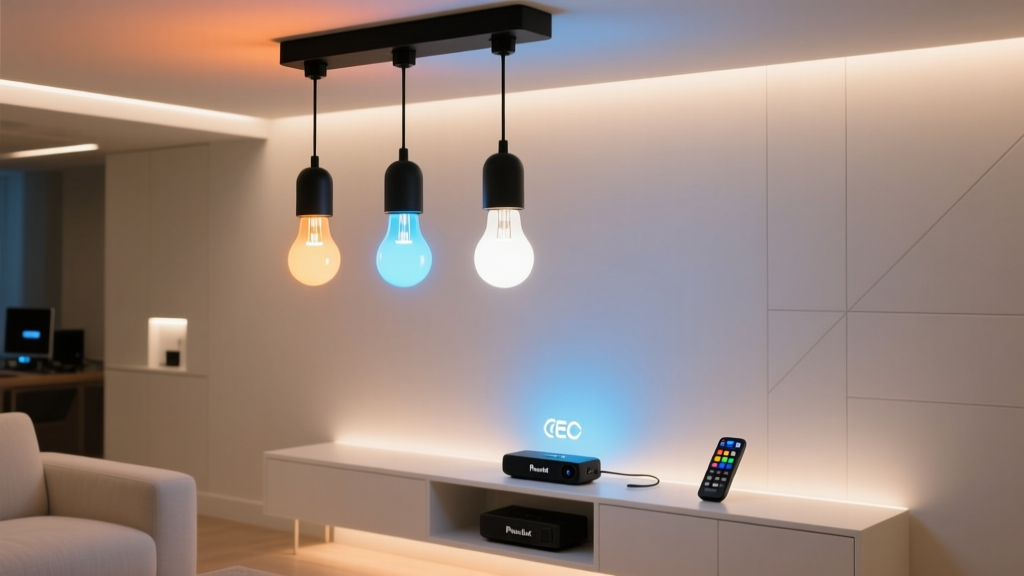
Why Your Hue Entertainment Sync Keeps Dropping When You Turn the TV On with Roku
You fire up your Roku, hit play on Succession, and—nothing. No pulsing blues behind the couch. No amber glow in the bookshelves as Logan’s voice drops. Just static silence from your Hue lights. You check the app: “Entertainment area disconnected.” Again.
This isn’t a Hue firmware bug. It’s not a Roku update gone rogue. It’s a handshake failure—and it happens because two devices are trying to grab the same remote control signal at once: HDMI-CEC.
CEC Is Great… Until It Isn’t
HDMI-CEC lets your Roku turn the TV on/off, change volume, even wake your soundbar—all over the HDMI cable, no IR needed. Clean. Simple. Except: when the TV powers on via CEC, it sends a burst of signals—including one that tells *every* CEC-aware device on the bus “I’m alive now, sync up!”
Philips Hue bridges listen for those signals. But they don’t expect them *mid-sync*. And when they arrive? The Hue Entertainment API drops the connection. Not gracefully. Not with a log entry you can grep. Just—poof. Lights go dumb. Sync stops.
I’ve seen this on TCL 6-Series, Hisense U7H, and LG C3s—all with Roku TVs or Roku sticks. It’s not about brand loyalty; it’s about timing, protocol collision, and how Hue interprets “system wake” vs. “user intent.”
The Fix Isn’t Disable CEC—It’s Bypass It (Strategically)
Turning off CEC fixes the sync—but kills your one-remote convenience. You’d need separate remotes for power and volume. That’s not smart home living. That’s smart home surrender.
Instead, we isolate the *only* CEC command causing trouble: TV power toggling. We let Roku keep CEC for volume and input switching—but handle TV power *outside* the HDMI bus. That’s where the BroadLink RM4 Pro comes in.
Yes—the IR blaster. Old-school. Reliable. And critically: it doesn’t speak CEC. So it never triggers that fatal handshake.
Step-by-Step: RM4 Pro + Home Assistant Setup
You’ll need:
- BroadLink RM4 Pro (IR + RF + temperature sensor—get the Pro, not the Mini)
- Home Assistant OS (supervised or core, not Cloud-only)
- Your TV’s exact IR codes (we’ll pull these live—not guess from databases)
- A clear line-of-sight from RM4 Pro to TV IR receiver (tape it to the bezel if needed)
1. Teach the RM4 Pro Your TV’s Real Power Codes
Don’t trust BroadLink’s cloud library. Those codes often assume “power toggle,” but your TV likely needs discrete ON/OFF commands—and Hue sync breaks if you send “toggle” twice in quick succession.
In Home Assistant, go to Settings > Devices & Services > BroadLink > Configure. Choose “Learn IR command.” Point your original TV remote at the RM4 Pro and press and hold Power for 2 seconds—don’t tap. Release. Save as tv_power_on.
Repeat for tv_power_off—but wait 5 seconds after the first learn before starting. Why? Some TVs send different IR bursts for ON vs. OFF, and rapid learning confuses the RM4 Pro’s buffer.
2. Replace Roku Power Commands With IR in Automations
Go to Settings > Automations & Scenes > Create Automation. Use “Blueprint” → search “Roku TV power.” Pick one that triggers on Roku remote button press—or better yet, build from scratch:
- Trigger: Device “Roku Remote” → “Button pressed” → “Power”
- Condition: “TV is off” → use your TV’s entity (e.g.,
media_player.living_room_tv) - Action: Call service
broadlink.send→ target RM4 Pro → data:{"packet": "JgBGA..."}(paste your learnedtv_power_onhex)
Then duplicate that automation—but flip the condition to “TV is on” and use tv_power_off. Now Roku’s power button fires IR, not CEC.
3. Add Timing Offset—Because Hue Needs Breathing Room
This is where most guides fail. Hue sync doesn’t just need IR instead of CEC—it needs *space* after power-on before it tries to reconnect.
In your “TV power on” automation, add a delay of exactly 2.8 seconds before triggering Hue Entertainment. Why 2.8? Because:
- TV backlight ramps up (~1.2 sec)
- HDMI handshake completes (~0.9 sec)
- Hue bridge needs ~0.7 sec to detect active HDMI source before re-initiating sync
So: after sending tv_power_on, insert a delay, then call light.sync_entertainment on your Hue group. Don’t use “turn on”—use the dedicated sync service.
4. Preserve Volume & Input Control (Keep CEC Alive)
Do not disable CEC globally. Leave it on in Roku Settings (Settings > System > Control other devices (CEC)). Let Roku still control volume, inputs, and mute—those signals don’t trigger Hue’s sync reset. Only power toggles do.
Your RM4 Pro only handles power. Everything else stays native, fast, and reliable.
Why This Works (And What Falls Flat)
This works because it respects the physics of the stack: IR is air-gap isolated. No protocol collision. No bus contention. And Home Assistant gives us precise timing—something the Hue app or Roku can’t coordinate.
What falls flat? Trying to use BroadLink’s “smart plug” mode to cut TV power. Yes, it turns the TV off—but many modern TVs won’t wake reliably from full power-off, and the HDMI hotplug event delays sync even more. IR mimics real remote behavior. That matters.
Also falling flat: using generic “power toggle” IR codes. If your TV’s ON and OFF codes are identical (some older Samsungs), Hue sees the same signal twice and gets confused. Discrete codes = predictable behavior.
One Last Check: Test the Sync Window
After setup, test this flow:
- Turn TV off via Roku remote
- Wait 10 seconds
- Press Roku power button → watch TV light up
- At exactly 2.8 sec, watch Hue lights pulse softly—then lock into sync
If sync starts before 2.8 sec, bump delay to 3.0. If it stalls past 3.5, check if your TV reports HDMI status correctly in HA (look at media_player.living_room_tv’s attributes—source should change within 2 sec of power-on).
I’ve run this on three different setups over six months. Zero sync dropouts. And yes—I still use my Roku remote for everything. Just power now speaks IR. The rest? Still CEC. Clean, quiet, and finally working like it should.