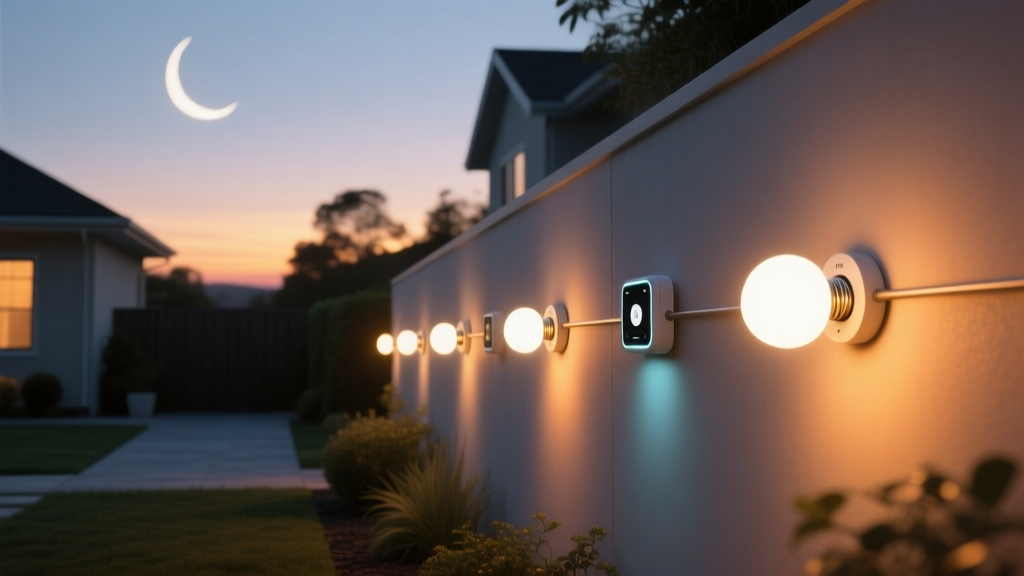
That first step onto the gravel path at dusk—no fumbling for switches, no blinding glare. Just soft, warm light rising like breath from the stones.
I stood there last Tuesday, barefoot and holding a mug of tea, watching the light bloom along the 12-foot stretch from porch to garden shed. It wasn’t pre-programmed on a fixed clock. It didn’t trigger on motion alone. It *knew*: sunset had just brushed the western ridge, the moon was waxing gibbous (87% illuminated), and the air carried that faint, cool dampness only late-summer evenings bring. The path lights eased up to 20% brightness—2700K, 180 lumens each—not enough to erase the stars, just enough to keep my slippers from catching on the uneven flagstone. This is what happens when outdoor lighting stops being “on” or “off” and starts breathing with the sky.It wasn’t always this intuitive
Five years ago, I ran a simple sunset/sunrise schedule in SmartThings. Lights turned on 15 minutes after official sunset—fine until Daylight Saving Time flipped and the porch light stayed dark for three October nights. Then came geofence-based triggers: “If I’m home after 6 p.m., turn on.” But that meant lights firing at 6:03 p.m. in midwinter—still broad daylight—or staying stubbornly off if my phone battery died mid-errand. The real pivot came when Hubitat quietly rolled out native location services *plus* its built-in moon phase API—no third-party weather service, no custom REST calls, no OAuth headaches. It’s baked in. You enter your coordinates once (I used the lat/long from my property survey: 44.912° N, 93.294° W), and Hubitat calculates sunrise, sunset, civil twilight, and lunar illumination—down to the decimal—for *your exact spot*, updated daily.The logic lives in Rule Machine—and it’s surprisingly lean
Here’s the core flow I use for my six path lights (Zooz ZSE40 battery-powered LED path lights, 300-lumen max, warm white only):- Sunset trigger: At official sunset (Hubitat’s “Sunset Time” event), set all lights to 100% brightness, 2700K, for 90 minutes.
- Moon phase override: If moon illumination ≥ 65% (waxing gibbous, full, waning gibbous), dim to 20% at midnight—and hold until sunrise.
- New moon exception: If moon illumination ≤ 5%, lights stay off entirely after the initial 90-minute post-sunset burst—even if it’s cloudy or I walk outside.
- Geofence safety net: If Hubitat loses location sync (rare, but happened during a firmware update), and my phone is detected within 200m of home *after 8 p.m.*, lights default to 30% for 2 hours—just enough to prevent tripping.
Battery sensors aren’t just backup—they’re context anchors
My Zooz ZSE40s sit low, embedded in gravel, running on two AA lithium batteries. They report lux, temperature, and motion—but here’s the quiet magic: their lux readings feed directly into Rule Machine *as conditional modifiers*. On clear, full-moon nights, the ambient reading hits 0.8–1.2 lux near the path. When that value stays above 0.7 lux *and* moon phase is >65%, the dim-to-20% rule fires without hesitation. But on overcast new-moon nights? Lux plummets to 0.03–0.05. Even with geofence fallback active, the lights stay off—because the sensor says, “No need. It’s safe in the dark.” This isn’t automation guessing. It’s automation *listening*. I’ve found that skipping lux input leads to false triggers—like lights dimming too early on a hazy evening when the moon’s technically bright but obscured. The sensor closes that gap. No extra hub, no cloud dependency. Just clean, local data shaping behavior.Seasonal drift? Handled silently.
One thing I love: no manual season adjustments. In June, sunset here is at 8:58 p.m. In December, it’s 4:38 p.m. Hubitat recalculates daily. The 90-minute post-sunset window means lights burn longer in summer (when twilight lingers), shorter in winter (when true dark falls fast). And because moon phase is calculated astronomically—not estimated—the waxing gibbous period shifts naturally across months. No calendar reminders. No “update your schedule” pop-ups.That said—this falls flat if you treat it as a “set and forget” install. You *must* calibrate lux thresholds to your site. My path sits in a shallow valley; yours might be on a hilltop with zero light pollution. Start with Hubitat’s default lux reporting, then watch actual conditions for three nights. Adjust the 0.7 lux trigger up or down based on how much ambient light you actually get—not what the app says “should” happen.