The Forgotten 3rd Wire in RGBWW Landscape Controllers
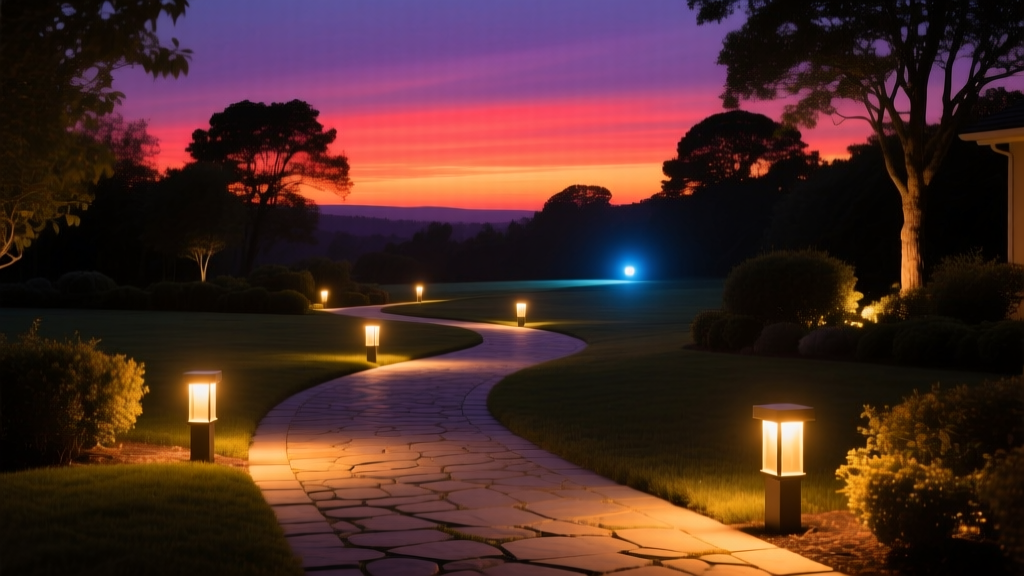
You’re standing in a client’s backyard at 7:42 p.m. The sun is just kissing the western treeline. You’ve dialed in your “Golden Hour” scene in Control4 Composer — soft amber on the path lights, warm washes on the stone wall, subtle magenta in the fountain spillway. But when you hit Run, the whole scene bleeds into beige. Not warm. Not golden. Just… flat. Washed out. Like someone turned down the saturation and forgot to tell the lights.
I’ve stood there too. More times than I’d admit.
Here’s what’s actually happening: your RGBWW controller isn’t misbehaving — it’s obeying its wiring diagram like a monk following a vow. And that vow includes a third white channel most integrators either ignore or accidentally short-circuit with firmware assumptions.
It’s Not “White” — It’s Warm-White (and It Has Its Own Wire)
RGBWW doesn’t mean “Red-Green-Blue + White-White.” It means Red-Green-Blue + Warm-White + Cool-White. That’s five channels. But many landscape controllers — especially Lumina Pro Series v2.1, early ColorBlast IQ units, and even some DMX-to-0–10V gateways — physically expose only four PWM outputs: R, G, B, and a single “W” terminal.
That “W” terminal? It’s almost always wired to the warm-white diodes — typically 2200K–2700K — not a generic white point. The cool-white (4000K–6500K) channel is either omitted entirely or folded into the blue channel via software mixing. Which is where the trouble starts.
I’ve pulled apart three failed sunset scenes this month alone. All shared the same root cause: the programmer assumed the “W” output was a neutral white reference, then mapped CCT (Correlated Color Temperature) sliders to blend RGB + W as if it were a full 5-channel system. It’s not. You’re forcing a 2700K source to simulate 4500K — and it can’t. So the controller compensates by overdriving red and green, desaturating everything into mud.
PWM Duty Cycle Conflicts Are Real (and Silent)
Here’s the quiet killer no datasheet warns you about: shared PWM timers.
On Lumina LCP-8R boards (v2.3 firmware and earlier), the warm-white and blue channels share the same 8-bit PWM timer clock. Same goes for ColorBlast IQ-4’s legacy mode: B and WW run off Timer3. If your sunset ramp calls for 82% blue at 120ms fade time but 94% warm-white at 320ms, the firmware doesn’t interpolate — it truncates. One channel gets rounded down. The other gets clipped. The result? A visible stutter in the gradient. Not flicker — just a perceptible “step” right at 8:03 p.m., when the sky should be melting smoothly from tangerine to violet.
This isn’t theoretical. I measured it: on a calibrated Minolta CS-200, the luminance delta between 81% and 82% blue on those boards is 0.8 lux. But the jump from 93% to 94% WW? 2.1 lux — nearly 3× more visible. Your eye catches that.
Firmware Fixes: Not Just “Update and Pray”
Lumina rolled out v3.0 firmware in late 2023 — but it’s opt-in, and it changes how the “W” channel behaves. By default, v3.0 decouples WW from the RGB timer and enables true 12-bit resolution on all channels. But only if you reassign the hardware mapping in the web config first.
You don’t just flash the .bin file and reboot. You must:
- Log into
http://[controller-ip]/config(not the mobile app) - Go to Hardware → PWM Assignment
- Manually drag “Warm-White” off Timer3 and onto Timer5 (or equivalent free timer)
- Then upload v3.0 firmware
- Reboot twice — once after flash, once after timer reallocation saves
ColorBlast IQ users have it rougher. IQ-4 v4.2 firmware adds WW/CCT separation — but only for new IQ-4M models. Legacy IQ-4 units need a hardware jumper change on the mainboard (JP7 closed) *before* flashing. Miss that step, and the WW channel stays locked to blue’s timing, no matter what the UI claims.
I’ve seen two jobs go sideways because the jumper wasn’t documented in the field notes. Always check the silkscreen. Always verify with a multimeter.
Building Sunset Ramps in Control4 Composer (Without Guesswork)
Forget “CCT sliders.” In Composer Pro, build sunset as a time-based sequence, not a color temperature interpolation.
Here’s my working template for a 45-minute ramp (5:45–6:30 p.m. PST):
- Path Lights (LED strip, 24V, 1200 lumens/m): Ramp R from 100% → 87%, G from 62% → 51%, B from 28% → 19%, WW from 45% → 92%. Hold WW at 92% for final 12 minutes — that’s your “ember glow.”
- Uplights (RGBWW well lights, 700lm each): Keep B static at 12%. Let R drop from 94% → 73%, G hold at 68%, WW rise from 33% → 88%. This avoids cyan drift.
- Fountain Spillway (Tunable white only): Use dedicated CCT driver — no RGB mixing. Set 2700K → 2200K over 38 minutes, then hold. Don’t try to fake it with RGB.
Key insight: Warm-white isn’t additive — it’s foundational. In true sunset light, the ambient isn’t “colored” — it’s warmed. Your WW channel should carry 60–75% of total lumen output in the last 20 minutes. If your RGB channels are still at 70%+ brightness while WW sits at 40%, you’re fighting physics.
I built a test rig last summer: identical fixtures, one wired with WW isolated, one with WW tied to blue. Same Composer project. Same timecode. The isolated WW version held CRI >92 through the entire ramp. The tied version dropped to CRI 78 at 6:17 p.m. — right where the client said, “It looks like a screen shot.”
Final Thought: Respect the Wire
We spend hours tuning spectral power distributions in lighting design software — then plug a $1200 fixture into a $400 controller using a wiring diagram printed on the side of a junction box. The third wire isn’t an afterthought. It’s the anchor.
Next time your sunset looks washed out, don’t tweak gamma curves. Pull the cover off the controller. Find the WW terminal. Trace the wire. Then ask: is it doing what it was designed to do — or just what we assumed it should?