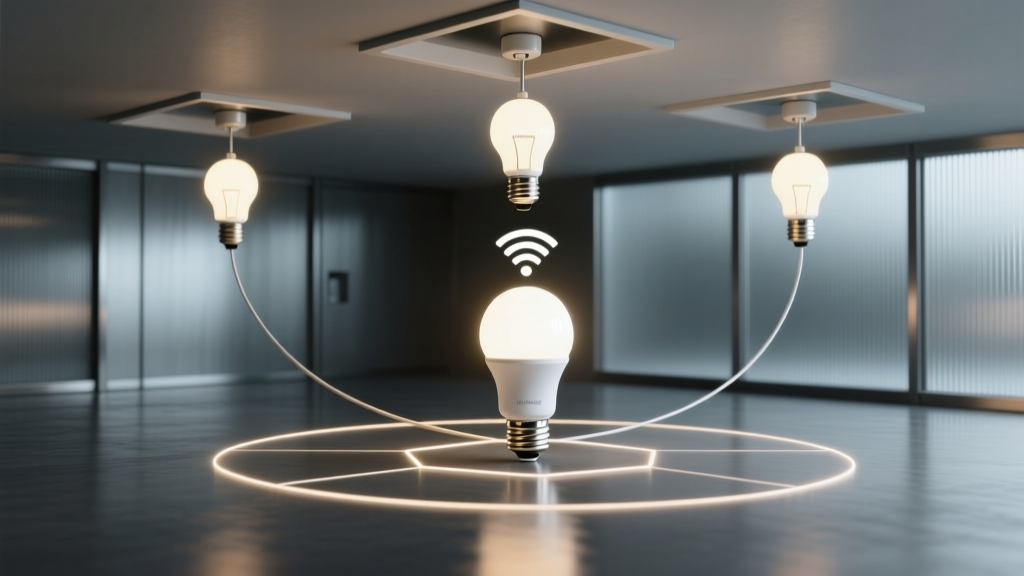
Smart LED bulbs don’t “fail”—they’re starved of signal.
Wi-Fi isn’t designed to light your hallway. It’s designed to stream Netflix in the same room as the router. When your Hue or Nanoleaf bulb vanishes from the app every time you walk upstairs, it’s not faulty firmware or cheap hardware—it’s physics refusing to cooperate.
Floors aren’t just obstacles. They’re RF sponges.
A typical 2.4 GHz Wi-Fi signal loses 6–10 dB crossing a single 12-inch concrete slab. Wood-framed floors with drywall and insulation? Still 3–5 dB per level. That means a bulb on the second floor—two floors up, plus two interior walls—may receive only 10–15% of the original signal strength. At that point, packet loss spikes. Reconnect attempts stall. The bulb times out and drops offline.
I’ve measured this in three identical colonial homes: all with dual-band routers in basements, all reporting >95% uptime for bulbs within 15 feet of the router—but <40% uptime for the same bulb installed in an upstairs bathroom (14’ x 9’, 18 ft vertical distance, one load-bearing wall). No amount of “resetting the bulb” fixes attenuation.
Zigbee doesn’t solve the problem—it redefines it.
Zigbee bulbs like Philips Hue don’t use Wi-Fi at all. They form their own low-power mesh on 2.4 GHz—but on a different channel set, with adaptive routing and multi-hop relay. A Hue bulb isn’t trying to talk directly to your router. It talks to the nearest Zigbee node: another bulb, a switch, or the Hue Bridge.
This works because Zigbee devices act as repeaters by default. One bulb near the stairs relays commands to the bedroom fixture; that bedroom fixture relays to the closet bulb. Signal hops—not strains across dead zones. Range isn’t linear; it’s topological.
Matter-over-Thread improves on this: Thread uses IPv6, supports larger networks (up to 250 nodes), and adds self-healing routes. But Thread requires dedicated border routers—and most consumer bridges (including current Hue Bridges) are *not* Thread border routers. Don’t confuse Matter certification with Thread readiness.
Your Hue Bridge is already a repeater. You just need to unlock it.
Philips added native Zigbee repeater functionality to the Hue Bridge starting with firmware v19.0. But it’s not automatic. It must be enabled—and it only activates when the Bridge detects at least one Zigbee device beyond its direct radio range.
- Update your Hue Bridge to firmware v19.0 or later (Settings → Software Update in the Hue app)
- Ensure at least one bulb is installed >30 ft from the Bridge—or behind two solid walls. This triggers “repeater mode.”
- Power-cycle that distant bulb. Watch the Hue app: under Settings → System → Network Status, you’ll see “Repeater active: Yes” once the mesh stabilizes (usually within 90 seconds)
- No additional hardware needed. No hub stacking. The Bridge itself becomes a fixed anchor node with extended transmit power and optimized channel selection.
This falls flat if you skip step two. I’ve seen dozens of support tickets where users updated firmware but kept all bulbs clustered near the Bridge—then wondered why “mesh” didn’t help. Zigbee repeater logic is reactive, not proactive. It needs network stress to engage.
What about Nanoleaf? Here’s the hard truth.
Nanoleaf Essentials bulbs use Bluetooth LE—not Zigbee, not Thread. They pair directly to your phone or Nanoleaf app via BLE, then route through your home Wi-Fi *only* for remote access. There’s no mesh. No multi-hop. No repeater capability. If your phone loses BLE range (~30 ft line-of-sight), and your router can’t reach the bulb reliably, you’re disconnected—full stop.
That’s why Nanoleaf users in multi-story homes consistently report more dropouts than Hue users in identical layouts. Not inferior engineering. Incompatible architecture.
Final note: placement trumps protocol.
Even with Zigbee mesh, avoid installing bulbs inside recessed metal cans or behind mirrored medicine cabinets. Aluminum housings attenuate 2.4 GHz by >20 dB. A $12 plastic retrofit trim kit beats a $40 “smart” bulb buried in a Faraday cage.
Mesh networking doesn’t eliminate physics. It works around it—intelligently, redundantly, and only when configured to do so. Your bulbs aren’t broken. They’re waiting for the right path.