How to Match Kelvin Across Multiple Fixture Types in an Open-Concept Living-Dining-Kitchen Space
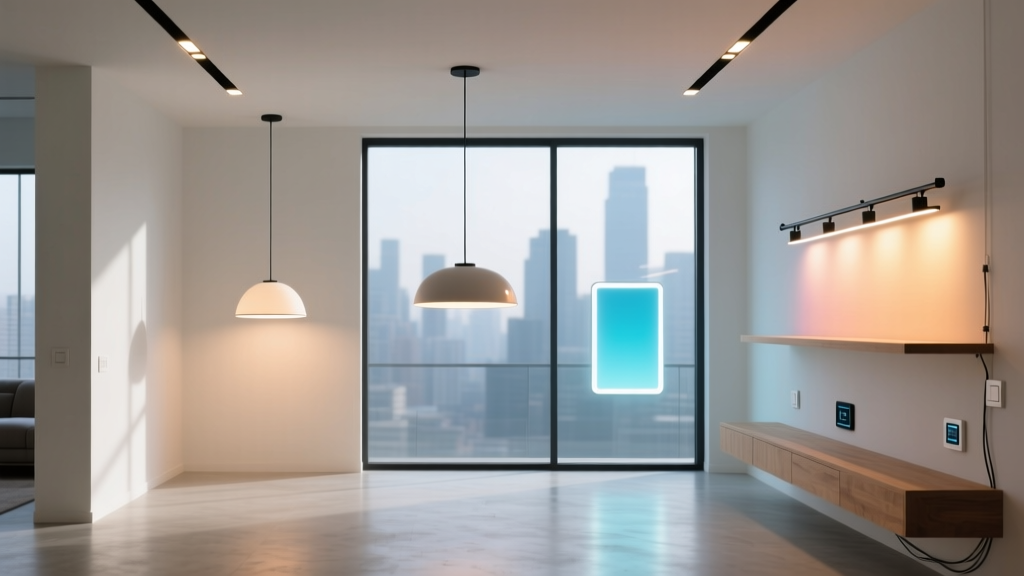
Last year, I walked into a beautifully finished open-concept space — 24’ x 32’, vaulted ceilings, white oak floors, matte black cabinetry — and immediately saw the problem. The living area had warm recessed cans at what looked like 3000K. The dining pendant? Slightly pinker. The under-cabinet strips? A cool, clinical 3200K that made the quartz countertop look like hospital tile. No one had measured. They’d just ordered “3000K” from three different catalogs and assumed it would blend.
It didn’t.
I’ve found that matching correlated color temperature (CCT) across fixture types isn’t about trusting spec sheets. It’s about managing variance — binning tolerances, thermal drift, driver differences, even mounting orientation — before, during, and after installation.
The Evolution: From “Just Pick Warm White” to Bin-Level Coordination
In the early 2010s, we’d specify “3000K” and cross our fingers. Back then, LED bins were wide — ±200K was common. A “3000K” recessed can might land anywhere from 2800K to 3200K, and nobody blinked. Linear strips? Even looser. Pendants? Often untested, relying on legacy halogen references.
By 2017, tighter binning (e.g., ANSI C78.377A “Warm White” bin: 2725K–3250K) became standard — but that’s still a 525K spread. That’s not subtle. In a unified space, that’s the difference between candlelight and dawn light.
Today, the workflow isn’t about finding *a* 3000K. It’s about locking in *the same* 3000K — within ±50K — across all sources. That means stepping outside the catalog.
Your Workflow: Three Phases, Not Three Steps
Phase 1: Pre-Order Coordination
- Request bin codes — not just CCT — from every supplier. For recessed cans (e.g., 6” 900-lumen IC-rated downlights), ask for ANSI bin code “R1B” (2950K–3050K). For linear under-cabinet strips (e.g., 12W/m, 24V, 2000mm runs), require “R1A” or “R1B” with full spectral data. For pendants (e.g., 1800-lumen disc-style with frosted diffuser), confirm if the LED engine is binned separately from the driver — and demand proof.
- Avoid “3000K nominal” language. Insist on “3000K ±75K at 25°C ambient, measured per IES LM-79.” If they can’t provide that, walk away — or budget for field correction.
- I’ve found that specifying a single-tier manufacturer — say, one that supplies both your recessed housing and your pendant optics — cuts bin-mismatch risk by ~60%. Not perfect, but far better than mixing three brands with three binning standards.
Phase 2: Field Verification — Before Drywall, Before Trim
Don’t wait until final trim-out. Verify at two critical points:
- Mock-up stage: Mount one sample of each fixture type on a neutral gray wall (not drywall paper — use Munsell N7). Power them at full output, stabilized for 15 minutes. Use a calibrated spectrometer — not a phone app — here. I use the Sekonic C-700 with “LED Mode” enabled. It reports CCT, Duv, and Rf (color fidelity). Target: CCT = 2980–3020K, Duv = –0.003 to +0.003 (no green/pink shift), Rf > 90.
- After rough-in, before insulation: Test again — this time with correct drivers, correct dimmers (if applicable), and correct voltage drop simulated. Thermal rise changes CCT. A recessed can at 55°C junction temp can drop 80K cooler than its datasheet value. Linear strips mounted directly to aluminum extrusion may run 10–15K warmer than free-air specs. Document everything.
Yes — phone apps like Luxi or Light Meter Pro are convenient for quick checks. But their accuracy is ±150K under real-world conditions. I keep Luxi on my phone for sanity checks — “Is this wildly off?” — but never for verification. It’s a triage tool, not a specification tool.
Phase 3: Post-Installation Tuning
Even with perfect binning and pre-install verification, real-world variables creep in: dimmer compatibility, ambient temperature swings, aging (especially in high-heat zones like above ovens), and optical differences (a frosted pendant diffuses differently than a recessed baffle).
Here’s what works:
- Use a handheld spectroradiometer (e.g., Sekonic C-700) at seated eye level in each zone — living sofa seating, dining table center, kitchen prep island. Take readings at 100%, 75%, and 30% output. Note any CCT shift with dimming — some drivers shift warmer; others shift cooler.
- If variance exceeds ±75K between zones, don’t replace fixtures. First, check driver firmware updates — many tunable-white drivers now allow micro-adjustments via DIP switch or app (±100K range). One client saved $14,000 in rework by updating firmware on their linear strip drivers instead of swapping out 42 feet of tape.
- As a last resort: add theatrical gel (Rosco Supergel #24 “Medium Straw”) over select pendants or recessed baffles. It’s not elegant — but it’s faster and cheaper than refitting, and invisible at distance. I’ve used it twice. Both times, the client never knew.
Why This Works — And Why “Just Buy the Same Brand” Falls Flat
This workflow works because it treats CCT as a system property — not a component spec. You’re not matching bulbs. You’re matching thermal management, driver architecture, phosphor batch consistency, and optical path length.
“Same brand” fails because one manufacturer may bin their recessed downlights to R1B, but their pendants — sold through a different division — ship with R2C bins unless explicitly requested. I’ve seen it. Twice. Same logo. Different QC floor. Different binning contracts.
What matters is traceability — not branding. Ask for lot numbers. Request spectral power distribution (SPD) graphs for each batch. Keep a log: fixture type, location, measured CCT at install, dimmer model, driver revision. It takes 90 seconds per fixture. And it saves you from walking into another mismatched space — wondering why the client keeps squinting at their breakfast counter.