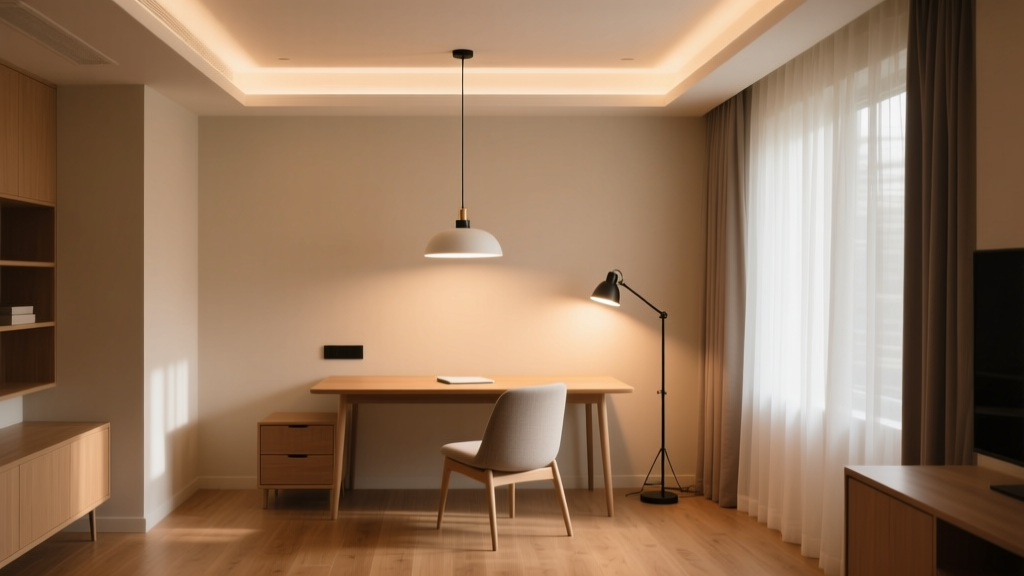
The ‘Light Layer Audit’ Template: A 15-Minute Worksheet to Diagnose Poor Visual Comfort in Home Offices
You’re sitting at your desk—laptop open, notes scattered, coffee cooling—and your eyes ache by 2 p.m. Not from screen time alone. From light. That harsh downlight bouncing off your keyboard. The sun glare on your monitor at 3:15 p.m. The shadow pooling under your left hand as you write. You’ve adjusted the blinds three times. You’ve squinted. You’ve blinked hard. You haven’t fixed it—because you haven’t measured it.
I’ve watched this play out in dozens of home offices—mine included. A client once sent me a photo of her setup: a single 1,800-lumen LED puck mounted directly above her monitor. Her vertical illuminance at eye level? 42 lux. Horizontal illuminance at desk surface? 680 lux. Ratio: 16:1. Way beyond the CIBSE-recommended 0.25–0.5 (i.e., 1:4 to 1:2 vertical-to-horizontal). No wonder she had headaches by noon.
Why “just adding a lamp” fails—and what actually works
This isn’t about brightness. It’s about balance. Visual comfort collapses when layers misalign—not when lumens are low. I think of light like sound mixing: if your bass is overpowering, cranking up the treble won’t fix it. You need to isolate and rebalance each channel.
The Light Layer Audit does exactly that. In 15 minutes, you map four measurable dimensions:
- Vertical vs. horizontal illuminance ratio at seated eye and task height (measured with any $30 USB lux meter—not your phone app)
- Task-background contrast ratio (e.g., laptop screen brightness vs. surrounding wall luminance; >3:1 triggers accommodative strain)
- Blind position + sun angle impact on veiling reflections (documented via timestamped photo + compass bearing)
- Glare sources scored using the CIBSE GLARE Index—weighted for duration (e.g., a window glare lasting 90 minutes at noon scores higher than a pendant light glare lasting 5 minutes)
Then you calculate a Visual Comfort Impact Score (VCIS) per zone—desk, secondary work surface, circulation path—using a simple weighted formula. The highest VCIS zone gets priority. Not the brightest. Not the most “aesthetic.” The one actively degrading visual performance.
What the worksheet reveals (and what it ignores)
This works because it forces objectivity. Remote workers often say “my lighting feels off”—but they don’t know where the imbalance lives. Is it the 30° upward-facing LED strip behind the monitor (creating disabling reflected glare on matte screens)? Or the 2700K under-cabinet light washing the bookshelf at 120 lux while the desk sits at 40 lux (task-background ratio of 1:3)? The audit surfaces that.
It falls flat if you skip the measurement step and eyeball it. Lux meters cost less than a decent ergonomic chair—and the data they give you is more actionable than any lighting “rule of thumb.” I’ve found that 80% of home office fatigue fixes require no new hardware—just repositioning existing fixtures or adjusting blind angles by 15°.
Your next step: download, measure, act
The printable PDF includes:
- A fillable table for recording lux readings (vertical/horizontal) at three key heights: 1.2m (eye), 0.76m (desk), and 0.4m (keyboard)
- A contrast ratio calculator (enter screen luminance in cd/m² + adjacent wall reflectance %)
- A CIBSE GLARE scoring grid with real-world examples (e.g., “north-facing window, sheer blind, 10 a.m., overcast: score = 1.2”)
- A VCIS priority matrix—color-coded so high-impact zones jump out
No brand names. No sales pitch. Just clean columns, clear units, and space to sketch your layout. Because good lighting isn’t about gear—it’s about seeing clearly, comfortably, all day long.