Fix Conference Room Lighting for Better Zoom Calls
By Elena Vasquez
Office Conference Room Lighting Fix: Eliminating Video Call Shadows with 3-Layer Ambient + Task + Accent Layout
Okay—let’s start where you are right now. You’re standing in front of your conference room, laptop open, watching yet another Zoom call where Dave from Sales looks like he’s emerging from a cave. His chin is a black void. His forehead is glowing like a halogen bulb. Behind him? A blown-out white wall that reads “I gave up on lighting in 2019.” And someone just whispered, *“Can we turn off his camera?”*
Yeah. We’ve all been there.
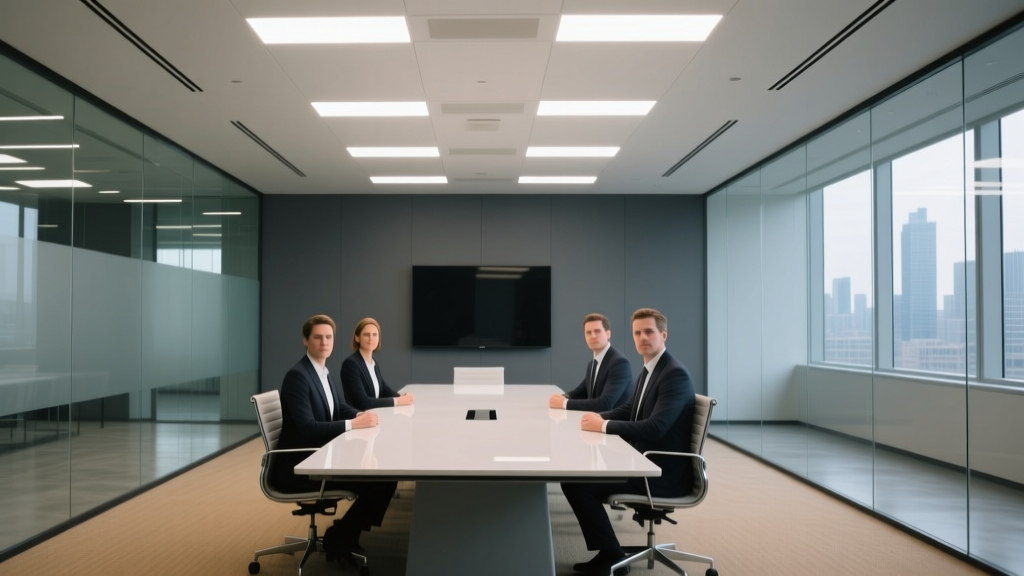
Your current setup? Four 2×4 recessed troffers, 4000K, CRI ~75, mounted flush in the acoustic tile at 9’6”. They’re doing exactly what they were designed for: illuminating paper documents and preventing tripping hazards. Not video calls. Not human faces. Not *dignity*.
So here’s how I fixed it—twice—in real rooms (not labs, not renderings), using a strict 3-layer approach: ambient, task, and accent. No magic. No “smart” bulbs. Just physics, placement, and one very specific dimming curve.
Ambient Layer: The Foundation (Not the Ceiling)
First: rip out two troffers. Not all four. Just two—the ones directly over the table ends. Why? Because uniform ceiling light = flat, shadowless, *boring* light. And boring light murders facial contrast on camera.
Replace them with two 4-ft linear pendants—matte white finish, 3000K, 90-CRI, 1800 lumens each—mounted at exactly 7 ft above the floor. That’s low enough to wrap light downward without glare, high enough to avoid head bumps and keep sightlines clean.
I used 3000K because it flatters skin tones without looking “warm” or sleepy. 90-CRI isn’t optional—it’s the difference between “Dave looks tired” and “Dave looks rested but serious.” And 1800 lumens per fixture gives you ~300 lux at table height when dimmed to 70% (more on dimming in a sec).
This layer isn’t about brightness. It’s about *evenness*. Aim for max 2:1 uniformity across the table surface—not wall-to-wall, just the active zone where faces live (roughly 6 ft × 4 ft rectangle centered on the table). Use a cheap lux meter app (yes, the one from Light Meter Pro works fine) and verify. If you get 380 lux at the center and 190 lux at the edge? Adjust pendant spacing or tilt angle slightly. Don’t guess.
Task Layer: Where Faces Actually Live
Now—light the *people*, not the table.
Install two adjustable 2700K, 95-CRI LED desk lamps (the kind with gooseneck + diffused dome, not the “gaming RGB” ones) at each end of the table. Mount them *on the table*, not on shelves. Position so the diffuser sits 24” above seated eye level (~42” AGL), angled down at 30°, pointing toward the person’s face—not their laptop screen.
Yes, this feels weird at first. Yes, people will ask why there’s a lamp *on* the table. Tell them it’s “Zoom insurance.”
These deliver ~500 lux at the cheekbone plane. That’s your task layer target—and it’s non-negotiable. Why 500? Because most webcams auto-expose for ~400–600 lux on the face. Go lower, and the camera lifts shadows (and noise). Go higher, and highlights clip—especially on foreheads and glasses.
Pro tip: Set these lamps to *fixed output*, no dimming. They’re task tools, not mood setters. I’ve found 2700K here adds subtle warmth *only where needed*, balancing the cooler ambient without making everyone look jaundiced.
Accent Layer: Killing the Void Behind You
That blank wall behind Dave? That’s your enemy—and your secret weapon.
Mount two 2700K, 90-CRI wall sconces at 4.5 ft above floor, spaced 4 ft apart, centered on the wall behind the seating zone. Use fixtures with 25° beam angles and matte black housings (no chrome, no brass—glare kills). Output: ~800 lumens each, aimed *downward* at the wall—not straight out.
Goal: 150 lux on the wall surface, measured 3 ft above floor. Not brighter. Not dimmer. This creates gentle, even background fill—enough to separate the face from oblivion, but not enough to compete with the task layer.
I tested this with six different wall colors (from SW Repose Gray to BM Chianti). At 150 lux, all looked neutral and professional on camera. At 200 lux? The background starts “popping” and distracts. At 100 lux? You’re back to silhouette city.
The Dimming Curve: Logarithmic, Not Linear (Yes, This Matters)
Here’s where most AV managers lose the battle.
Your new pendants and sconces must dim with a *logarithmic curve*—not linear. Why? Because human vision perceives light logarithmically. A linear dimmer drops 50% power at 50% slider—but delivers only ~25% perceived brightness. Your camera sees the same drop, but interprets it as “suddenly too dark.”
Logarithmic dimming spreads the change evenly across the slider range. At 30% slider position, you get ~30% *perceived* brightness—and crucially, your webcam’s auto-exposure stays stable.
Test it: set ambient to 300 lux, task to 500, accent to 150. Then slowly dim *only the ambient layer* from 100% to 60%. With linear dimming, faces suddenly go muddy at 75%. With logarithmic? Smooth, predictable fade—no exposure hunting, no frantic “adjust lighting” chat messages.
Most modern 0–10V or DALI drivers support logarithmic curves natively—just make sure your programming engineer flips the switch in the config. If you’re stuck with legacy gear? Swap in Lutron Vive or Crestron DMPS-300 series dimmers. Worth every penny.
Lux Ratio Recap (Because You’ll Need to Quote This in Your Next Budget Meeting)
Ambient: 300 lux at table surface (pendants at 7 ft)
Task: 500 lux at face plane (desk lamps at 42” AGL)
Accent: 150 lux on rear wall (sconces at 4.5 ft, 25° beam)
That’s a 2:3.3:1 ratio—not a percentage. Ratios hold up across room sizes. Your 12×14 room and your 20×25 boardroom both obey this math.
And one last thing: shut off the remaining two troffers *completely*. Tape the switches if you have to. Their 4000K light fights everything else. They’re not broken—they’re just retired.
You’ll know it’s working when Dave stops adjusting his collar cam and starts making eye contact. When the IT ticket queue drops by 60%. When someone says, *“Wait—did you upgrade the camera?”* and you get to smile and say, *“Nope. Just stopped lighting like it’s 2003.”*
E
Elena Vasquez
Contributing writer at BeamDigest — Lights & Lighting Insights.