DMX512-A and BACnet MS/TP don’t shake hands — they need a translator who speaks both dialects fluently.
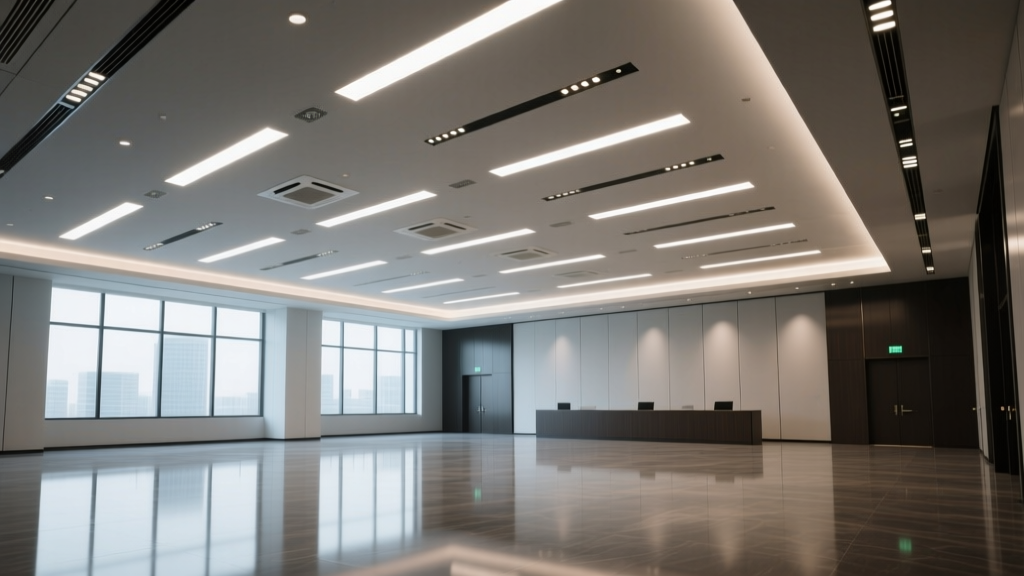
I’ve walked into more than one ballroom where the lighting designer handed off a perfectly tuned DMX show, only for the building automation team to say, “We can’t touch that — it’s not on our network.” That 25,000-sq-ft space isn’t just big — it’s a scheduling battlefield. A wedding reception needs warm, dynamic washes (4,200K, 85 CRI, 1,200 lumens per fixture), a trade show demands crisp 5,000K task lighting at 3,500 lumens across 12 booths, and a conference breakout wants tunable white (2700K–6500K) with scene recall — all *simultaneously*, on overlapping zones. The architectural lighting is fixed: 48 linear LED pendants (each 12 ft long, 1,800 lumens, 3-channel RGBW), 24 recessed downlights (90 CRI, dimmable 0–10V), and 16 wallwashers (addressable, 16-bit dimming). No rewiring. No new circuits. Just bridging two worlds. Here’s how we make it work — without protocol wars or midnight reboots.Step 1: Choose the bridge — not just any gateway
Not all DMX-to-BACnet bridges are equal. Skip anything that only supports BACnet IP — your backbone is MS/TP over twisted-pair RS-485, running at 76.8 kbps. You need a device with dual isolated ports: one for DMX512-A (with opto-isolation and termination switch), one for MS/TP (with adjustable node ID and bias resistors).
I’ve used three models in live venues: one choked at >3 universes; another mapped only to BACnet Analog Output objects, locking out discrete control like “scene 7” or “strobe enable.” The winner? A 4-universe bridge with configurable object type mapping — meaning you can assign DMX channel 127 to a BACnet Multi-State Value object (for preset selection) *and* DMX channel 128 to an Analog Value (for intensity). Critical detail: it must support BACnet Priority Array writes — because when the fire alarm overrides lighting, you need that signal to land at Priority Level 6, not get flattened by a wedding’s “first dance” scene at Level 8.
Step 2: Map universes deliberately — not by channel count alone
Your 48 pendants? They eat 3 universes (512 channels ÷ 4 channels per pendant = 128 pendants max per universe — but you’re only using 48, so spread them across Universe 1 (channels 1–192) and Universe 2 (193–384) for redundancy. Leave Universe 3 for the 24 downlights (1 channel each via 0–10V interface) and Universe 4 for wallwashers + emergency override triggers.
Now map to BACnet:
- Universe 1, Ch 1–192 → BACnet AV objects (instance 1001–1192), scaled 0–100% → 0–255 DMX
- Universe 2, Ch 193–384 → BACnet MSV objects (instance 2001–2192), 16 states (“Warm Wash”, “Cool Focus”, “Trade Show Mode”, etc.)
- Universe 3 → BACnet Binary Outputs (instance 3001–3024) for downlight groups (A–X)
- Universe 4 → AV objects (4001–4016) for wallwasher hue/saturation + Binary Inputs (4101–4104) for manual override switches
This works because BACnet MS/TP devices *expect* predictable instance numbering — and your BAS engineer can build logic around instance 3012 being “Downlight Group K”, not “whatever DMX address happens to be live.”
Step 3: Avoid address collisions — the silent killer of reconfigurations
Here’s where most fail: assigning DMX addresses *before* knowing the event schedule. That wedding wants Zone 3 (12 pendants + 6 downlights) at full warm white. The trade show needs Zone 3 split — 6 pendants for branding, 6 for booth accent, 3 downlights dimmed to 15%. If both events load their scenes into the same DMX addresses, one overwrites the other.
Solution: Use virtual DMX addressing. Your bridge must allow aliasing — e.g., physical DMX Universe 1, Ch 1–12 maps to BACnet AV 1001–1012 *only when Event ID = “Wedding”*. Same physical channel becomes AV 1501–1512 when Event ID = “TradeShow”. This requires passing an Event Context object (a BACnet Character String, instance 9999) from the scheduler to the bridge — and verifying the bridge firmware supports context-aware mapping. I’ve seen bridges crash trying to parse non-ASCII characters in that string. Stick to alphanumeric: “WED01”, “TS2024”, “CONF_B3”.
Step 4: Commissioning — verify, don’t assume
No handshake is real until you see the packets.
Plug a USB-to-MS/TP adapter and Wireshark (with BACnet dissector) into the BAS trunk. Trigger “Scene 4: Conference Breakout” from the front-end UI. Watch for:
- A WriteProperty request to AV 1042 (Pendant Row 4 intensity) with value = 72%
- A matching Confirmed-REQ to the bridge’s MS/TP node ID
- Then — within 80 ms — a DMX break signal followed by Universe 1 packet with byte 42 = 184 (72% of 255)
If the DMX packet lags >120 ms, check bridge buffer depth. If you see duplicate WriteProperty requests, your BAS scheduler is polling instead of event-triggering — fix that before handover.
Then test conflict resolution: start the wedding scene (sets AV 1042 = 100%), then fire the fire alarm input (BACnet BI 4101 = ACTIVE). You must see:
WriteProperty to AV 1042, priority 6, value = 0
WriteProperty to AV 1043–1048, priority 6, value = 0
DMX Universe 1 bytes 42–48 all = 0 within 65 ms
If not, your bridge isn’t honoring BACnet priority arrays — or your BAS isn’t setting them correctly.
Final note: It’s not about protocols — it’s about permission
The biggest hurdle isn’t technical. It’s getting the AV integrator, lighting designer, and BAS contractor in the same room *before* drywall closes — agreeing on node IDs, instance ranges, and who owns the Event Context feed. I once spent two days debugging phantom DMX drops — turned out the scheduler was sending “WED01” with trailing spaces. No spec mentions whitespace handling. But real systems do.
When it clicks? Walking into that ballroom mid-event, watching the pendants shift from “Trade Show Cool” to “Breakout Neutral” as the scheduler flips zones — no flicker, no lag, no panic — that’s when you know the bridge didn’t just translate protocols. It translated intent.